
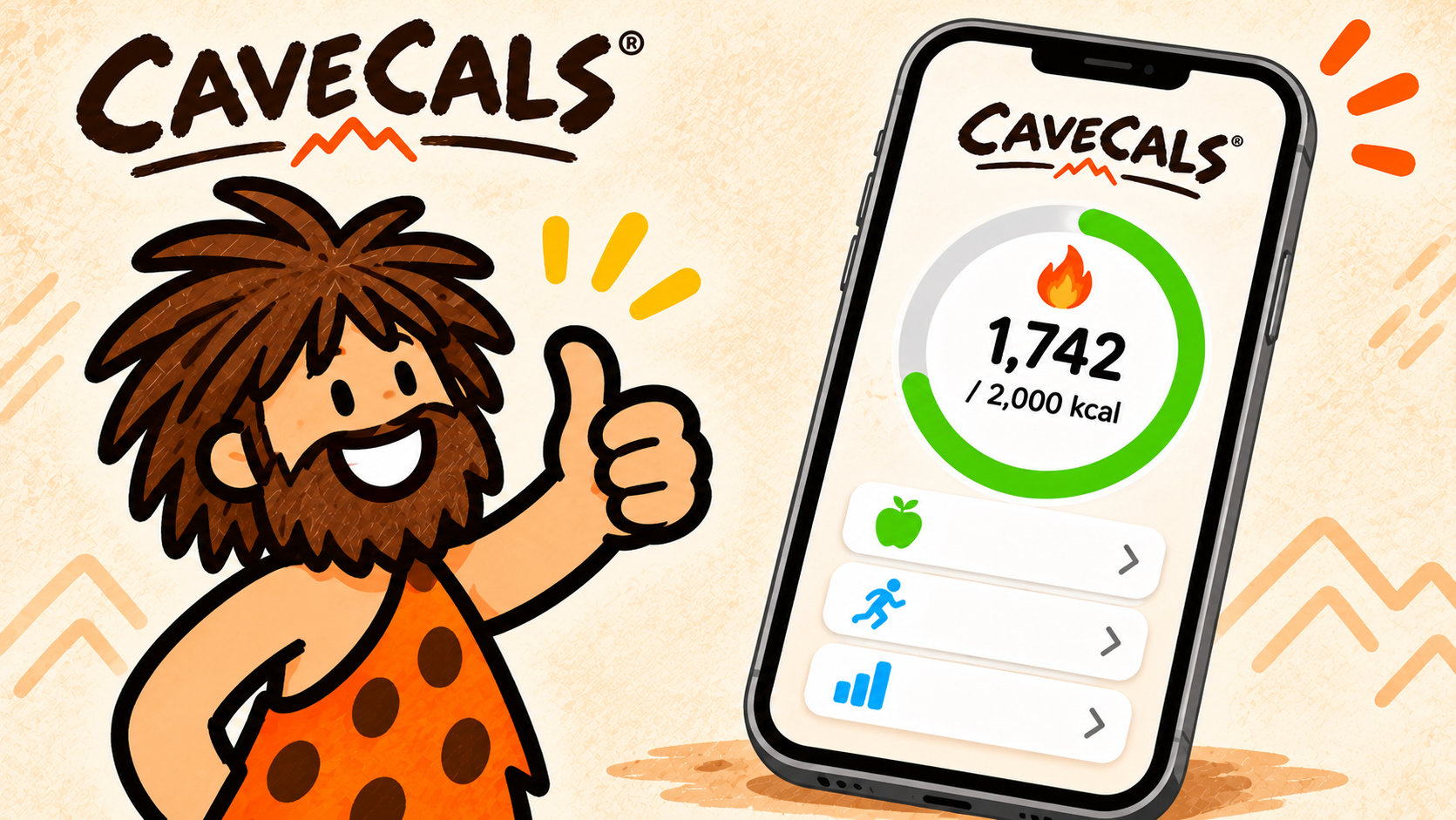
CaveCals is a calorie counter that logs food by photo, voice, barcode or a typed number, and it’s free to download with no account needed. I use it alongside my GLP-1 medication, and it beats every other tracker I’ve tried. My rating: 4.5 out of 5.
Last updated: 8 November 2026 · By Alan Spicer
Not medical advice. I share what has worked for me on GLP-1 medication and link the evidence. Talk to your GP or prescriber before changing your diet, medication or activity.
If you have, or have had, an eating disorder, speak to your GP before counting calories. Beat offers UK support.
I’ve tried Weight Watchers, Livestrong, MyFitnessPal and a few others. CaveCals beats them all for me, mostly because logging takes seconds: I take a photo of my plate or just tell the app what I ate. This review covers what you get free, what you pay for, and where it falls short.
Why listen to me
I have been on GLP-1 medication since January 2024 and lost 7 stone in 18 months. I’m not a doctor or dietitian: I share what worked for me, what didn’t, and the evidence behind it. My day job is YouTube consulting, which you can read about on alanspicer.com.
⚡ QUICK ANSWER
CaveCals is worth it for most people who want to count calories without it feeling like homework. The free version includes logging, barcode scanning, search, a calorie plan, macros and weigh-ins, plus 10 free photo and voice logs. Cave Cals+ costs £4.99 a month or £39.99 a year on the UK App Store.
What is CaveCals?
CaveCals is a calorie counter app for iPhone and Android that lets you log food by typing, scanning a barcode, taking a photo or saying what you ate. Its own tagline sums it up: “You eat. App track. Weight drop.” It’s made by Claim727 LLC and the food search is powered by FatSecret.
The idea is that logging should be over in seconds. Type “650” and it logs 650 calories. Type “pizza 300” and it logs pizza at 300 calories. Take a photo and it works out what’s on the plate.
My verdict: CaveCals ★★★★½ (4.5/5)
My pick for logging food fast: photo, voice, barcode or a typed number, free to start and no account needed.
VIDEO
Why I started calorie counting after 18 months on GLP-1 medication.
Is CaveCals worth it?
CaveCals is worth it if you want to count calories and have given up on trackers before because logging took too long. I’ve tried Weight Watchers, Livestrong and MyFitnessPal, and CaveCals beats them all for me.
The free version is enough to count calories properly: logging, search, barcodes, a calorie plan, macro targets, weigh-ins and progress charts. You only pay if you want unlimited photo and voice logging, recipe import and a few extras.
| What I rate | Score | Why |
|---|---|---|
| Speed of logging | 5/5 | Photo, voice, barcode, typing and Quick Add |
| Free version | 4.5/5 | Barcode and calorie plan free; photo and voice limited to 10 |
| Price | 4.5/5 | £39.99 a year on the UK App Store, at or below MyFitnessPal, Cronometer and MacroFactor yearly prices |
| Privacy | 5/5 | No account to track; diary stays on your phone |
| Nutrition depth | 3.5/5 | Calories and macros only, no vitamins or minerals |
| Overall | 4.5/5 | Beats every other tracker I’ve tried |
Source: my scores; prices from the UK App Store, checked 7 November 2026.
What I like most about CaveCals
My two favourite features are Voice Log and Meal Scan.
Voice Log is top of my list. I love that I can talk to the app like I’m telling a friend what I had, and it turns that into the food entries with the calories and macros. You review the list before it’s added, so you can fix anything it misheard.
Meal Scan has been a life changer for me. I take a picture of my meal and it identifies what’s on the plate, the calories and the macros. Each food comes up as an editable estimate, so you can adjust the portion if it’s off before saving.
I also like Quick Add. It makes adding meals quick and painless when you know what you’re having, because it shows up to ten foods you’re likely to eat at that time of day, learned from your own log. And the barcode scanner is great for anything in a packet: scan it once and next time it adds instantly.
I also like the cute caveman design. It’s a small thing, but it makes the app nicer to open.
Try Voice Log and Meal Scan free
Every new CaveCals user gets 10 free Meal Scan and Voice Log analyses, so you can try logging by photo and by voice before paying anything. Barcode scanning and Quick Add are free for good.
Free on iPhone and Android. iPhone code ALANSPICER: one month free on the yearly plan.
What’s free and what does Cave Cals+ cost?
CaveCals is free to download and use, and Cave Cals+ costs £4.99 a month or £39.99 a year on the UK App Store (checked 7 November 2026). Free trials (3 days on monthly, 7 days on yearly) are for eligible new subscribers.
| Feature | Free | Cave Cals+ |
|---|---|---|
| Type, search and barcode logging | Yes | Yes |
| Calorie plan and macro targets | Yes | Yes |
| Weigh-ins, charts and Weekly Recap | Yes | Yes |
| Quick Add, Quick Start and saved meals | Yes | Yes |
| Meal Scan (photo) and Voice Log | 10 free analyses | More scans and voice logs |
| Recipe import | No | Yes |
| Cave Coach (three AI tips from your patterns) | No | Yes |
| Progress photos | One a day | Extra photos each day |
| Clans | Clan of two | Bigger clans |
Source: CaveCals partner feature guide (November 2026) and UK App Store listing, checked 7 November 2026.
If you’re on iPhone, the code ALANSPICER gives you one month free on the yearly plan. In the App Store, tap your profile picture, then Redeem Gift Card or Code. My is CaveCals free? guide goes through the free version in more detail.
How does logging work in CaveCals?
CaveCals has four ways to log food, plus shortcuts that learn your habits. Here’s how each one works:
- Type it: enter a number for calories (“650”) or a food and calories (“pizza 300”).
- Search: restaurant, branded and everyday foods, with foods you’ve logged before shown first.
- Scan a barcode: get calories and macros from the pack.
- Snap or say it: Meal Scan from a photo, or Voice Log from what you say (or type into the voice box).
Quick Add shows up to ten foods you’re likely to eat right now, and you can pin favourites. Quick Start puts the foods you usually start the day with on the Home screen. Saved meals let you log a regular breakfast or lunch in one tap, and you can build one from today’s log, a photo, your voice or by hand.
Everything is editable: portions, servings and times. Swipe to duplicate or delete, with Undo if you slip. Meal types (breakfast, lunch, dinner and snacks) are optional and set by time of day.
How does the CaveCals calorie plan work?
The CaveCals calorie plan takes about a minute: you enter your age, height, weight, activity level and a goal to lose, maintain or gain, and it suggests daily calories with an estimated date to reach your goal. You can skip the plan and just track if you prefer.
A calorie plan is a daily calorie target worked out from your body and activity. The NHS says an average man needs about 2,500kcal a day and an average woman about 2,000kcal, but your number depends on your size and how active you are. My guide to how many calories to eat to lose weight explains the maths.
CaveCals also suggests protein, carbs and fat targets from your plan, all editable. Tap any macro on the Home screen to see each food’s grams. If a food is missing a value, CaveCals estimates it and marks it so you know. If you want a protein number to aim for, my protein calculator gives you a starting point.
What do progress tracking and Clans do?
CaveCals tracks your weigh-ins and calories with weekly, monthly and yearly charts, and Clans let you check in with friends without sharing your food. Here’s what the progress features include:
- Weekly Recap: this week against last week, plus a printable one-page report to share with a coach.
- Trends: your average calories by day of the week and by hour of the day.
- On-target vs over days: what’s different on the days you stay on target, such as timing, foods and macros.
- Progress photos: with a timer and a ghost of your last photo to line up, stored only on your phone.
Clans are private groups with friends, family or a trainer, on iPhone and Android together. A campfire page shows who has logged today and the clan’s streak, and there are challenges like logging streaks, on-target days and weight loss. Clan members see your check-ins but never your food. A clan of two is free.
Is CaveCals private?
CaveCals is private by design: you don’t need an account to track, and your food diary stays on your phone. On iPhone it syncs privately between your own devices through iCloud.
The AI only sees what you choose to scan, say or type, never your whole diary. Progress photos and weigh-ins stay on the phone and are never sent to the AI. You only sign in if you want to use Clans. For a health app, that’s a sensible setup.
How accurate is Meal Scan?
Meal Scan gives an estimate, not an exact figure, which is why every food it finds is editable before you save. That’s true of every photo calorie app, not just CaveCals.
What the research says: a 2023 systematic review of 52 studies found AI calorie estimates from food photos were off by between 0.10% and 38.3% compared with measured values. A photo is a fast starting point; checking the portion makes it accurate enough to be useful.
For packaged food, the barcode scanner takes the figures straight from the pack. For home-cooked meals, a photo plus a quick portion check gets you close. CaveCals’ own fine print says the same: calorie plans and AI results are estimates, not medical advice.
What doesn’t CaveCals do?
CaveCals doesn’t track vitamins and minerals, and unlimited photo and voice logging needs Cave Cals+. Those are the two reasons it’s 4.5 and not 5.
- No micronutrients: it tracks calories, protein, carbs and fat. If you need iron, zinc or magnesium data, Cronometer is built for that, and a GP blood test tells you more than a food diary.
- Photo and voice are capped on free: you get 10 analyses to try, then it’s Cave Cals+.
- No web version: it’s a phone app, so there’s no logging from a laptop.
Worried about vitamins and minerals?
CaveCals won’t track them, so ask your GP about a blood test, and try the free Lily & Loaf lifestyle analysis for supplement suggestions based on your answers.
Who is CaveCals for (and who isn’t it for)?
CaveCals suits people who want to count calories quickly and have dropped a tracker before because it felt like homework. It isn’t the best pick if you want detailed nutrient data or a coaching programme.
| CaveCals suits you if… | Look elsewhere if… |
|---|---|
| You want logging done in seconds | You want detailed vitamin and mineral tracking |
| You want a free tracker with barcode scanning | You want group meetings or a points system |
| You’d rather not create an account | You want to log from a computer |
| You follow a plan from a coach, trainer or doctor and want an easy daily record | You want an app to tell you exactly what to eat |
| You want to track with friends without sharing your food |
If you’re comparing it with other apps, my MyFitnessPal alternatives guide ranks the free options, and the best calorie tracker app UK page compares ten apps side by side.
Can you use CaveCals alongside a diet plan or medication?
Yes. CaveCals is a food diary, so it works alongside whatever plan you follow, including GLP-1 medication. It isn’t part of any treatment and doesn’t claim to be.
I’ve been on GLP-1 medication since January 2024 and lost 7 stone in 18 months, and I track my food in CaveCals alongside it. Your results will be your own, and your prescriber is the person to talk to before you change how much you eat. My complete GLP-1 guide covers the medication side.
Log a normal week, free
Download CaveCals, set a calorie plan in about a minute and log a normal week. You’ll see your real calories and protein, which is the point of tracking.
Free on iPhone and Android. iPhone code ALANSPICER: one month free on the yearly plan.
How to get started with CaveCals
Getting started takes a few minutes and you don’t need an account. Here’s the order I’d do it in:
- Download CaveCals from the App Store or Google Play using my link.
- Set your calorie plan with your age, height, weight, activity and goal, or skip it and just track.
- Check the suggested protein, carbs and fat targets and edit them if you have your own.
- Log your next meal with a photo, your voice, a barcode or by typing it.
- Keep logging for a week so Quick Add learns your usual foods.
If you’re new to counting, my beginner’s guide to counting calories explains the basics before you start.
What I’d do in your first week
- Set a calorie plan and leave the macro targets as suggested
- Log everything for seven days, using photos and voice for the fiddly meals
- Save your regular breakfast as a saved meal so it’s one tap
- At the end of the week, check your average calories and protein and make one change
People also ask
Is CaveCals any good?
Yes. I rate it 4.5 out of 5. It’s my favourite calorie counter because you can log by photo, voice, barcode or a typed number, and the free version covers everything you need to count calories.
Is CaveCals available in the UK?
Yes. CaveCals is on the UK App Store and Google Play. Cave Cals+ is priced in pounds on the UK App Store at £4.99 a month or £39.99 a year (checked 7 November 2026).
Does CaveCals use AI?
Yes, for Meal Scan, Voice Log and Cave Coach. The AI only sees what you choose to scan, say or type, never your whole diary, and progress photos and weigh-ins are never sent to it.
Who makes CaveCals?
CaveCals is made by Claim727 LLC. Its food search is powered by FatSecret, and it runs on iPhone and Android.
Frequently asked questions
Is CaveCals free?
Yes. You can download and use CaveCals free, with logging, search, barcode scanning, calorie plans, macros, weigh-ins and progress charts included. New users get 10 free Meal Scan and Voice Log analyses. Cave Cals+ adds more of those plus recipe import and extra features.
How much is Cave Cals+ in the UK?
Cave Cals+ costs £4.99 a month or £39.99 a year on the UK App Store (checked 7 November 2026). Free trials are available for eligible new subscribers, and the iPhone code ALANSPICER gives one month free on the yearly plan.
Do you need an account to use CaveCals?
No. You can download CaveCals and start tracking straight away. You only sign in if you want to join or start a clan with friends, family or a trainer.
Does CaveCals track protein?
Yes. CaveCals suggests protein, carbs and fat targets from your calorie plan, and you can edit them. Tap protein on the Home screen to see how many grams each food added.
Does CaveCals track vitamins and minerals?
No. CaveCals tracks calories, protein, carbs and fat. If you need detailed vitamin and mineral tracking, Cronometer is built for that, and a GP blood test is the best way to check for a deficiency.
Is CaveCals on Android?
Yes. CaveCals is on iPhone and Android, and iPhone and Android users can be in the same clan.
How accurate is CaveCals Meal Scan?
Meal Scan gives an editable estimate for each food on your plate. Photo estimates aren’t exact, so check the portion before you save it. For packaged food, the barcode scanner uses the pack’s own figures.
Can I use CaveCals alongside my medication?
CaveCals is a food diary, so it works alongside whatever plan you follow, including medication. It isn’t part of any treatment. I use it alongside mine, and I’d talk to your prescriber before changing how much you eat.
Final thoughts
CaveCals is the calorie counter I use, and I rate it 4.5 out of 5. The free version does the job, logging takes seconds, and your food diary stays on your phone.
It loses half a point because unlimited photo and voice logging needs Cave Cals+ and it doesn’t track vitamins and minerals. If those don’t matter to you, download CaveCals free and log a normal week before you decide whether to upgrade. For how it stacks up against the rest, see my best calorie tracker app UK comparison.
About Alan Spicer
I have been on GLP-1 medication since January 2024 and lost 7 stone in 18 months. I write about what works day to day: protein, calorie tracking, walking and side effects, with the evidence linked. I’m not a medical professional, so please speak to your GP before making changes. Away from this site I’m a YouTube consultant (alanspicer.com) and I film my progress on Alan Spicer is Losing It.
Related reading
- Best Calorie Tracker App UK (2026): Free and Paid Apps Compared
- Is CaveCals Free? What You Get Free vs Cave Cals+
- Best MyFitnessPal Alternative UK (Free): 7 Apps Ranked
- How to Count Calories for Beginners (UK Guide)
- How Many Calories Should I Eat to Lose Weight UK?
- Protein Calculator UK: Exactly How Much You Need by Weight and Age
SNAP IT. SAY IT. SCAN IT. FIND IT.
The calorie counter I use
CaveCals is free to download with no account needed. Barcode scanning, search and Quick Add are free, and you get 10 free photo and voice logs to try.
Get it on iPhone Get it on Android
iPhone code ALANSPICER: one month free on the yearly plan. Calorie plans and AI results are estimates, not medical advice.
Sources: [1] CaveCals on the UK App Store. [2] Shonkoff E et al. AI-based digital image dietary assessment, Annals of Medicine 2023. [3] Harvey J et al. Log Often, Lose More, Obesity 2019. [4] NHS: Understanding calories.
Disclosure: some links on this page are affiliate links (including CaveCals). If you sign up or buy, I may earn a commission at no extra cost to you. I only recommend what I use or would use. Programme terms change, so check current terms on each site.
Discover more from Healthy Weight Loss GLP1
Subscribe to get the latest posts sent to your email.