
To use CaveCals, download it (no account needed), set a calorie plan in about a minute, then log food by typing, searching, scanning a barcode, taking a photo or saying what you ate. Save your regular meals and let Quick Add learn your usual foods, and logging gets faster every day.
Last updated: 9 November 2026 · By Alan Spicer
Not medical advice. I share what has worked for me on GLP-1 medication and link the evidence. Talk to your GP or prescriber before changing your diet, medication or activity.
If you have, or have had, an eating disorder, speak to your GP before counting calories. Beat offers UK support.
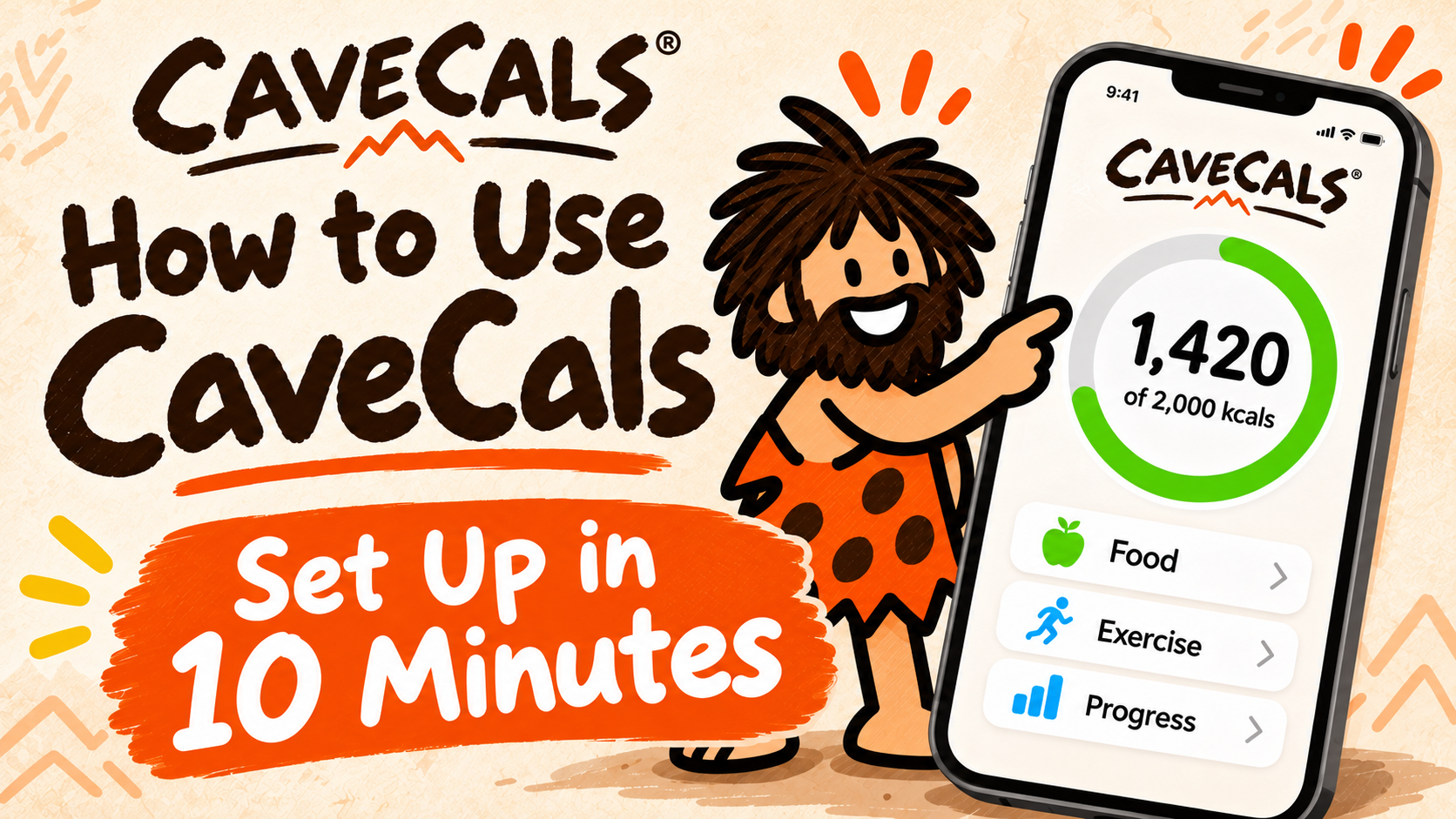
I log my food in CaveCals alongside my GLP-1 medication, and my favourite ways to log are voice and photo. This guide walks through setting it up and every way to log, in the order you’ll use them, so you can be tracking properly within ten minutes of downloading it.
Why listen to me
I have been on GLP-1 medication since January 2024 and lost 7 stone in 18 months. I’m not a doctor or dietitian: I share what worked for me, what didn’t, and the evidence behind it. My day job is YouTube consulting, which you can read about on alanspicer.com.
⚡ QUICK ANSWER
To set up CaveCals, download it free, enter your age, height, weight, activity and goal to get a calorie plan, check the suggested protein, carbs and fat targets, then log your first meal by photo, voice, barcode, search or typing. No account is needed unless you want to use Clans.
How do you set up CaveCals?
You set up CaveCals by creating a calorie plan, which takes about a minute and doesn’t need an account. Here are the steps from download to first meal:
- Download CaveCals free from the App Store or Google Play using my link.
- Enter your age, height, weight and activity level.
- Choose a goal (lose, maintain or gain) and a pace; CaveCals shows an estimated date to reach your goal.
- Check the suggested protein, carbs and fat targets and edit them if you have your own.
- Log your first meal using any of the four ways below.
- Turn on Apple Health or Health Connect if you want weigh-ins from a smart scale.
A calorie plan is a daily calorie target worked out from your body and activity. The NHS average is about 2,000kcal a day for women and 2,500kcal for men to maintain weight, and CaveCals adjusts from there for your goal.
What are the four ways to log food?
CaveCals has four ways to log: type it, scan it, snap it or say it. Pick whichever is quickest for that meal.
| Method | How it works | Best for | Free? |
|---|---|---|---|
| Type it | “650” logs 650 calories; “pizza 300” logs pizza at 300 | When you know the number | Yes |
| Search and barcode | Search restaurant, branded and everyday foods, or scan a pack | Packaged food and eating out | Yes |
| Snap it (Meal Scan) | Photo of your plate; editable estimate per food | Home-cooked plates | 10 free, then Cave Cals+ |
| Say it (Voice Log) | Describe what you ate and how much | Busy days, mixed meals | 10 free, then Cave Cals+ |
Source: CaveCals partner feature guide (November 2026).
How do you use Meal Scan?
To use Meal Scan, take a photo of your plate and CaveCals identifies the foods and gives an editable calorie and macro estimate for each one. Check the portions, adjust anything that’s off, then add it.
Meal Scan has been a life changer for me: I take a picture of my meal and it works out what’s on the plate, the calories and the macros. Photo estimates aren’t exact for any app, so the review step matters. A 2023 review of 52 studies found AI photo calorie estimates were off by between 0.10% and 38.3% compared with measured values.
Try Meal Scan on your next plate
New CaveCals users get 10 free Meal Scan and Voice Log analyses. Take a photo of your next meal and see how close it gets.
Free on iPhone and Android. iPhone code ALANSPICER: one month free on the yearly plan.
How do you use Voice Log?
To use Voice Log, tap the microphone and say what you ate and how much, like “two eggs on toast with butter and a coffee with milk”. CaveCals turns it into food entries with calories and macros for you to review before adding. You can tap “Type instead” if you’d rather write it.
Voice Log is my favourite feature. I talk to the app like I’m telling a friend what I had, and it does the rest.
How do you scan barcodes and search foods?
To scan a barcode, tap scan and point your camera at the pack; CaveCals pulls in the calories and macros. Anything you’ve scanned before adds instantly next time. Barcode scanning is free.
Search covers restaurant, branded and everyday foods (the database is powered by FatSecret), and shows foods you’ve logged before first. I like the barcode scanner for anything in a packet because it takes the figures straight from the label.
How do Quick Add, Quick Start and saved meals work?
Quick Add shows up to ten foods you’re likely to eat right now, learned from your own log, and you can pin favourites to the top. It makes adding meals quick and painless when you know what you’re having.
- Quick Start: on a fresh day, the foods you usually start with wait on the Home screen.
- Saved meals: build one from today’s log, a photo, your voice or by hand, then log it in one tap.
- Recipe import (Cave Cals+): from a link, photos of a recipe or pasted text, saved per serving.
- Edit anything: portions, servings and times; swipe to duplicate or delete, with Undo.
Meal types (breakfast, lunch, dinner and snacks) are optional, set by time of day and fully customisable, which helps if you work shifts.
How do you read your macros on the Home screen?
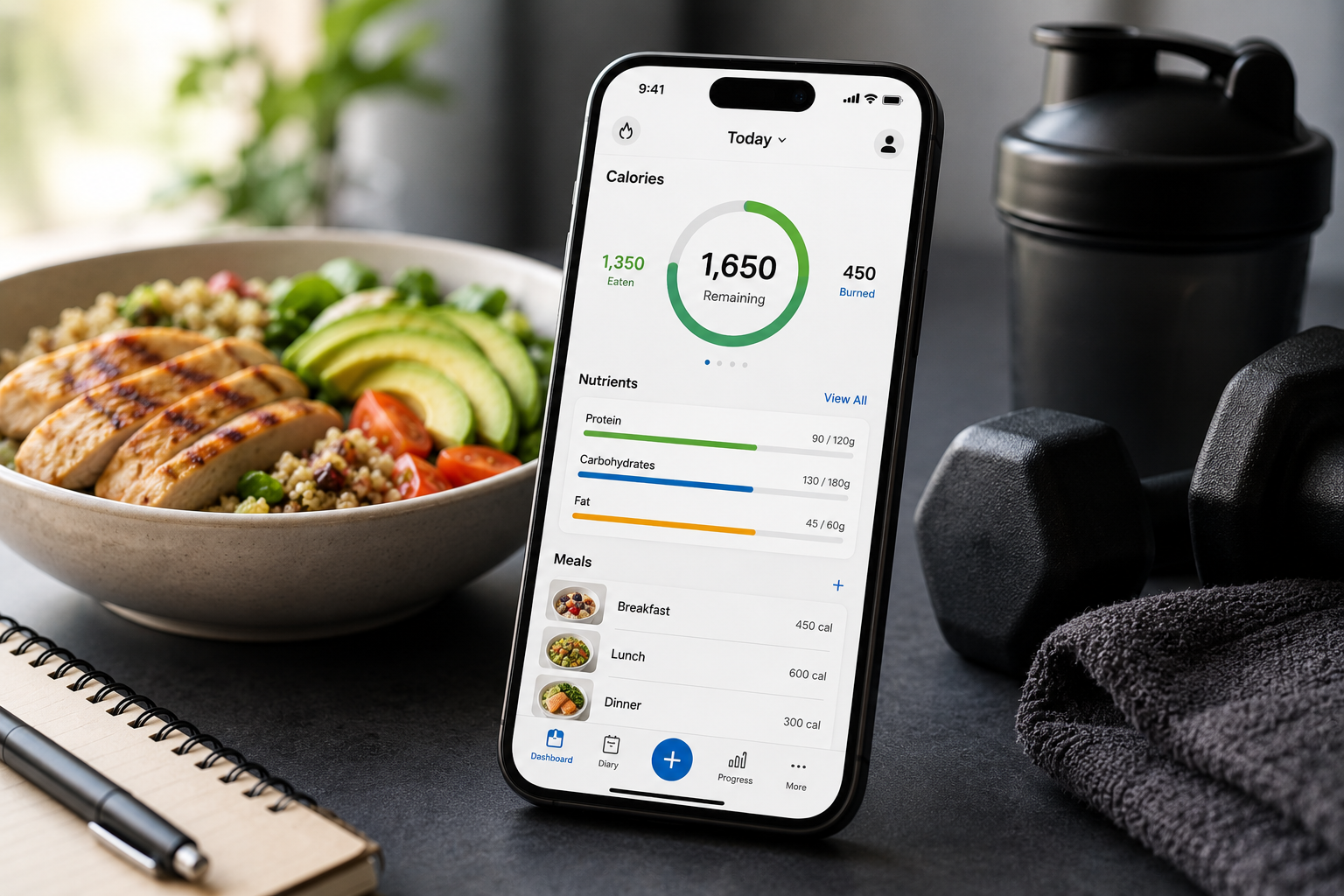
The Home screen shows calories left, your macros and today’s food on one screen. Tap protein, carbs or fat to see how many grams each food added. If a food is missing a value, CaveCals estimates it and marks it so you know.
A macro is one of the three main nutrients that provide calories: protein, carbohydrate and fat. If you want a protein target to aim for, my protein calculator gives you a starting number.
How do you track weight and progress?
You track weight with weigh-ins on a quick dial, and CaveCals charts weight and calories by week, month and year. Weekly Recap compares this week with last and gives you a printable one-page report to share with a coach.
- Trends: average calories by day of the week and hour of the day.
- On-target vs over days: what’s different on the days you hit your target.
- Progress photos: with a timer and a ghost of your last photo, stored only on your phone.
How do Clans work?
Clans are private groups with friends, family or a trainer where you check in daily, chat and take on challenges. Clan members see your check-ins and streaks but never your food. A clan of two is free; bigger clans are part of Cave Cals+.
Clans are the only part of CaveCals that needs you to sign in. Challenges include logging streaks, on-target days, team totals, Survivor and weight loss.
Set up in a minute
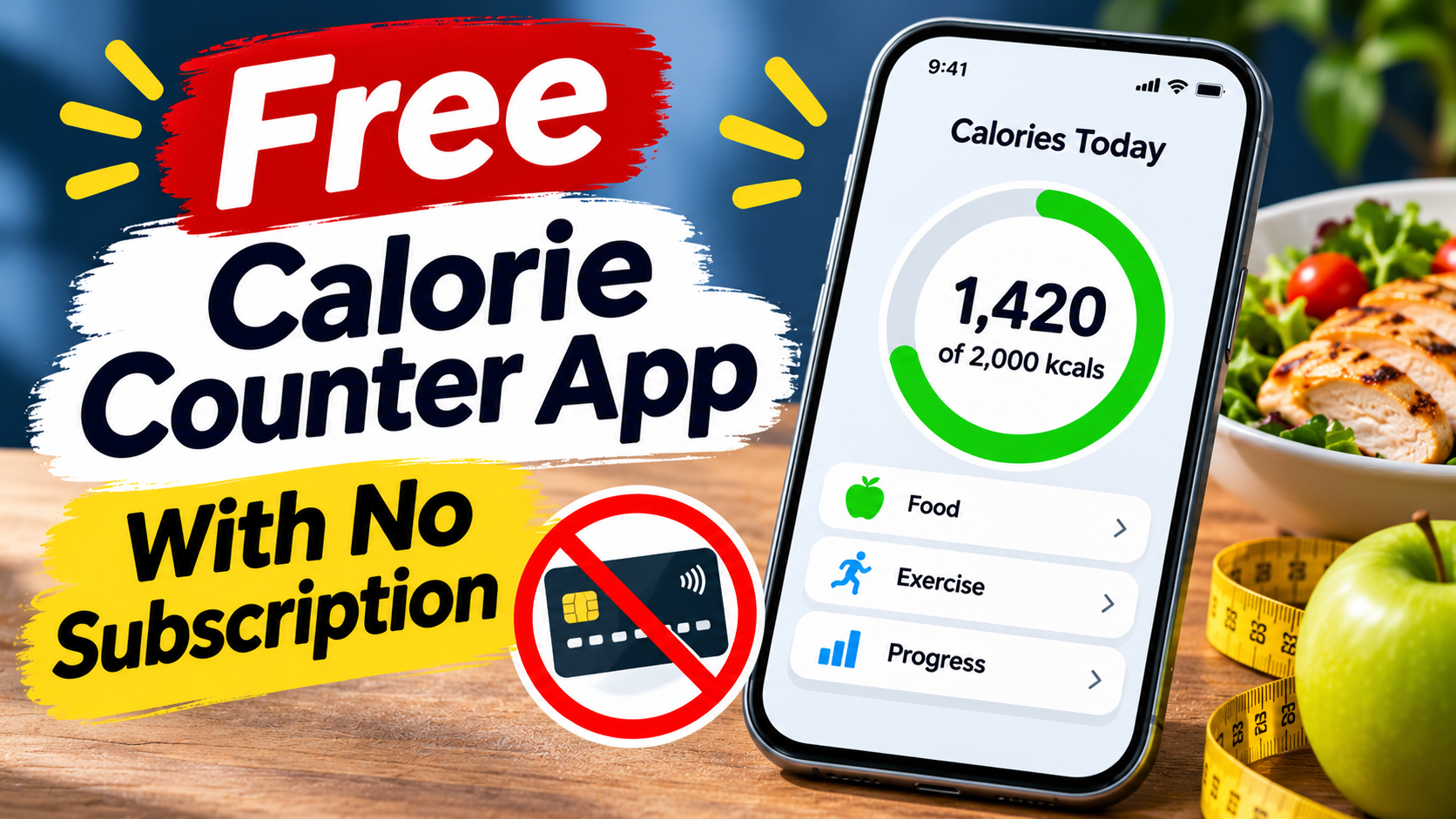
CaveCals is free on iPhone and Android with no account to create. Download it, set your calorie plan and log your next meal.
Free on iPhone and Android. iPhone code ALANSPICER: one month free on the yearly plan.
What settings are worth changing?
A few settings make CaveCals fit your day better. Check these in your first week:
- Connect Apple Health or Health Connect to share calories, macros and weigh-ins.
- Customise meal types if you don’t eat at standard times.
- Pin your regular foods in Quick Add.
- Add the Home Screen widget (and the Action button on newer iPhones) for one-tap logging.
The morning reminder only appears on days you haven’t logged anything, so it won’t nag you if you’re already up to date.
Your first-day checklist
- Set your calorie plan and leave the macros as suggested
- Log breakfast with a photo or your voice
- Scan one packaged food so you see how barcodes work
- Save your most common meal
- Add a weigh-in so your chart starts today
People also ask
How do I set up CaveCals?
Download CaveCals, then enter your age, height, weight, activity level and goal (lose, maintain or gain) with a pace. It suggests daily calories, an estimated goal date and editable protein, carbs and fat targets. You can skip the plan and just track.
How do I log food in CaveCals?
Type a number or a food and calories, search, scan a barcode, take a photo with Meal Scan or describe your meal with Voice Log. Photo and voice estimates are shown for you to review before you add them.
How do I add a meal I eat often in CaveCals?
Save it as a saved meal from today’s log, a photo, your voice or by hand, and then log it with one tap. Quick Add also learns the foods you eat at each time of day.
Does CaveCals sync with Apple Health?
Yes. CaveCals shares calories, macros and weigh-ins with Apple Health on iPhone and Health Connect on Android, and can bring in weigh-ins from a smart scale.
Frequently asked questions
Do I need an account to use CaveCals?
No. You can download CaveCals and start tracking without an account. You only sign in if you want to use Clans with friends, family or a trainer.
How do I change my calorie target in CaveCals?
Redo or edit your calorie plan with your current weight, activity and goal. The protein, carbs and fat targets are editable too, so you can set your own numbers.
How do I edit a food I’ve logged?
Tap the entry to change the portion, servings or time. You can swipe to duplicate or delete an entry, and there’s Undo if you delete by mistake.
Can I use CaveCals without a calorie plan?
Yes. You can skip the plan and just track, which some people prefer while they learn what they eat.
How do I log a weigh-in in CaveCals?
Add a weigh-in on the quick dial. Your weight and calories show on charts by week, month and year, and Weekly Recap compares this week with last.
What does “Done eating” do?
Done eating closes the day when you’ve finished: the cave closes and the log tucks away. It’s a simple way to mark the day as complete.
Can I log food with Siri?
On iPhone, CaveCals works with Siri, Shortcuts, Home Screen widgets and the Action button. Siri estimates for new foods are part of Cave Cals+.
Does CaveCals remind me to log?
CaveCals sends one gentle morning reminder, only on days you haven’t logged anything yet, timed from your own habits.
Final thoughts
Using CaveCals comes down to a one-minute setup and whichever logging method is fastest for each meal. Photos for plates, voice for busy days, barcodes for packets and Quick Add for the usuals.
If you haven’t got it yet, download CaveCals free. On iPhone, the code ALANSPICER gives one month free on the yearly plan if you decide to upgrade. For whether it’s the right app for you, read my CaveCals review.
About Alan Spicer
I have been on GLP-1 medication since January 2024 and lost 7 stone in 18 months. I write about what works day to day: protein, calorie tracking, walking and side effects, with the evidence linked. I’m not a medical professional, so please speak to your GP before making changes. Away from this site I’m a YouTube consultant (alanspicer.com) and I film my progress on Alan Spicer is Losing It.
Related reading
- CaveCals Review UK (2026): The Calorie Counter I Use
- Is CaveCals Free? What You Get Free vs Cave Cals+
- CaveCals Code UK: ALANSPICER for a Free Month
- How to Count Calories for Beginners (UK Guide)
- Best Calorie Tracker App UK (2026): Free and Paid Apps Compared
- Protein Calculator UK: Exactly How Much You Need by Weight and Age
SNAP IT. SAY IT. SCAN IT. FIND IT.
The calorie counter I use
CaveCals is free to download with no account needed. Barcode scanning, search and Quick Add are free, and you get 10 free photo and voice logs to try.
Get it on iPhone Get it on Android
iPhone code ALANSPICER: one month free on the yearly plan. Calorie plans and AI results are estimates, not medical advice.
Sources: [1] CaveCals on the UK App Store. [2] CaveCals partner page. [3] NHS: Understanding calories. [4] Shonkoff E et al. AI-based digital image dietary assessment, Annals of Medicine 2023.
Disclosure: some links on this page are affiliate links (including CaveCals). If you sign up or buy, I may earn a commission at no extra cost to you. I only recommend what I use or would use. Programme terms change, so check current terms on each site.
Discover more from Healthy Weight Loss GLP1
Subscribe to get the latest posts sent to your email.